Install Connector
Download the notarized macOS Connector and open it from your Mac.
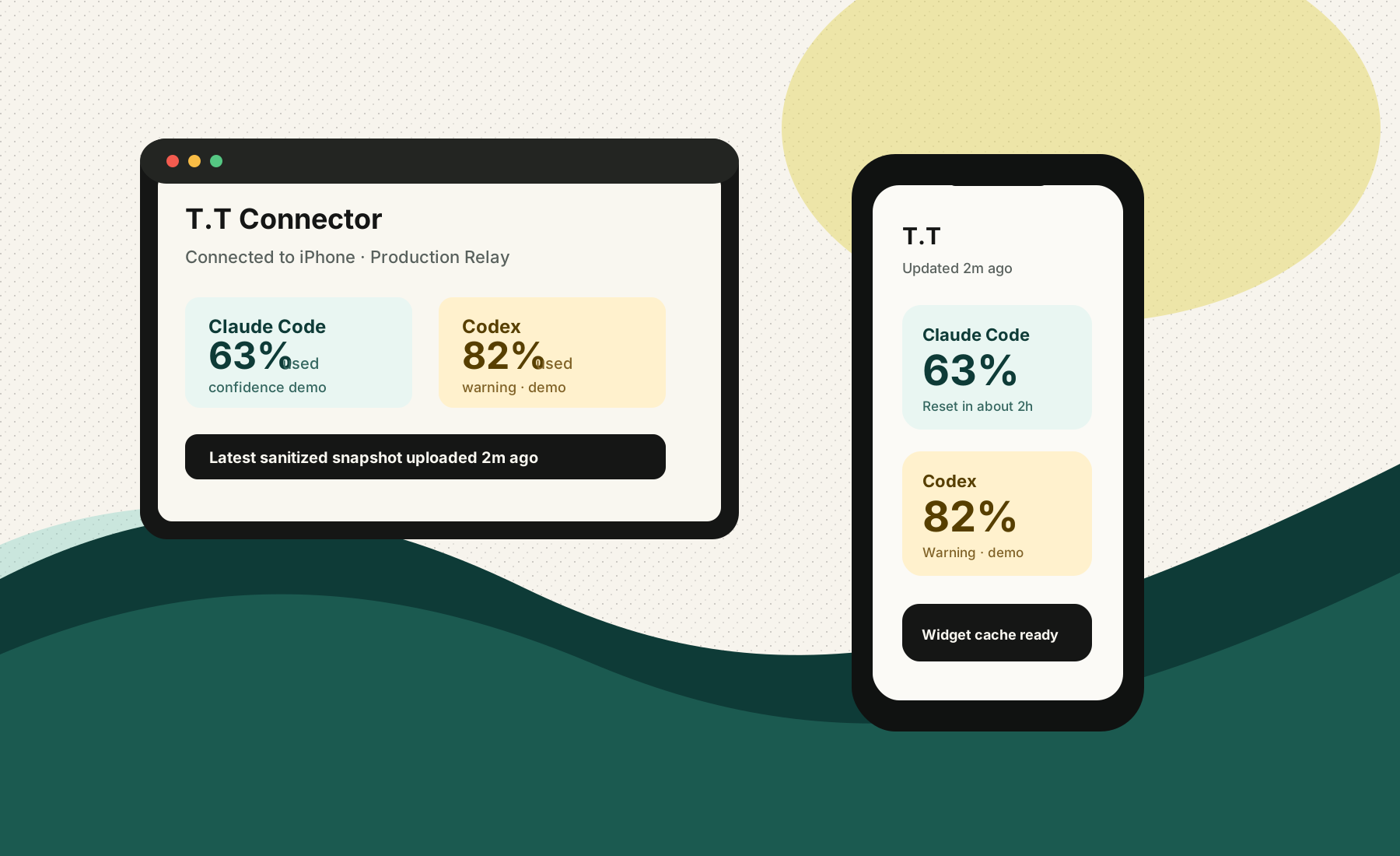
iOS + Widget + Mac Connector + Cloud Relay
Mobile-first AI coding usage tracking after linking a trusted Mac source. No provider API keys, no cookies, no auth files.
Early release · macOS Connector is Developer ID signed and notarized
Setup
Download the notarized macOS Connector and open it from your Mac.
Scan the QR code or enter the 6-digit code. Pairing works through Cloud Relay, even off LAN.
Dashboard and widgets show latest known Claude Code and Codex status with freshness labels.
Quick Start
T.T needs one trusted source before it can show real Claude Code or Codex usage. The iPhone app is the viewer; the Mac Connector is the source.
Install the notarized DMG, open T.T Connector, and allow macOS to open the Developer ID app.
Open Mac download guideIn T.T Connector, create a pairing code. In the iPhone app, choose Link T.T Connector and scan or type the code.
The Connector uploads sanitized snapshots about every 30 seconds while your Mac is awake. Enable Open at Login so it resumes after restart.
If a provider is missing or stale, open Connector Diagnostics to see Claude source, Codex source, parser errors, and upload time.
Architecture
The iPhone app never pretends to know real usage by itself. Without a linked Connector, it shows setup. With a linked Connector, it displays the latest sanitized snapshot.
Troubleshooting
Open T.T Connector on your Mac, confirm it is paired, then press Refresh Now. The iPhone app shows setup until a source is linked.
Local Claude logs can expose token counts without subscription limits. Claude limit percentages need the sanitized statusLine bridge.
T.T presents active-window remaining first. Weekly remaining appears as additional limits when Codex local data exposes both windows.
Widgets read the iPhone App Group cache. Open the iPhone app after pairing to refresh the latest cached snapshot.
macOS can pause the Connector and network during sleep. T.T shows latest cached data, then syncs again shortly after the Mac wakes.
Tester Feedback
Support bundles are designed for early-user reports. They include sanitized app and Connector state, not provider credentials or raw provider content.
Note what you expected, what happened, the provider affected, approximate time, and whether a screenshot is attached.
Open iPhone Settings in T.T Token Tracker, refresh diagnostics, check widget cache, then choose Copy Support Bundle.
Open T.T Connector Diagnostics, refresh sources, confirm parser/upload status, then choose Copy Support Bundle.
What I expected:

What happened:

Provider affected:
Claude Code / Codex / Widget / Pairing / Other

Approx time:

Screenshot attached:
Yes / No

iPhone Support Bundle:

Mac Connector Support Bundle:
Privacy
Provider API keys, cookies, OAuth tokens, session keys, auth files, and raw logs.
Provider id, usage percent, reset time, status, confidence, observed time, and optional token counts.
Every provider card exposes source, confidence, and last updated time.
Mac Connector
Use this early Mac build to pair your iPhone and upload sanitized local CLI usage snapshots.